A Step-by-Step Workflow for Agentic 3D Modeling
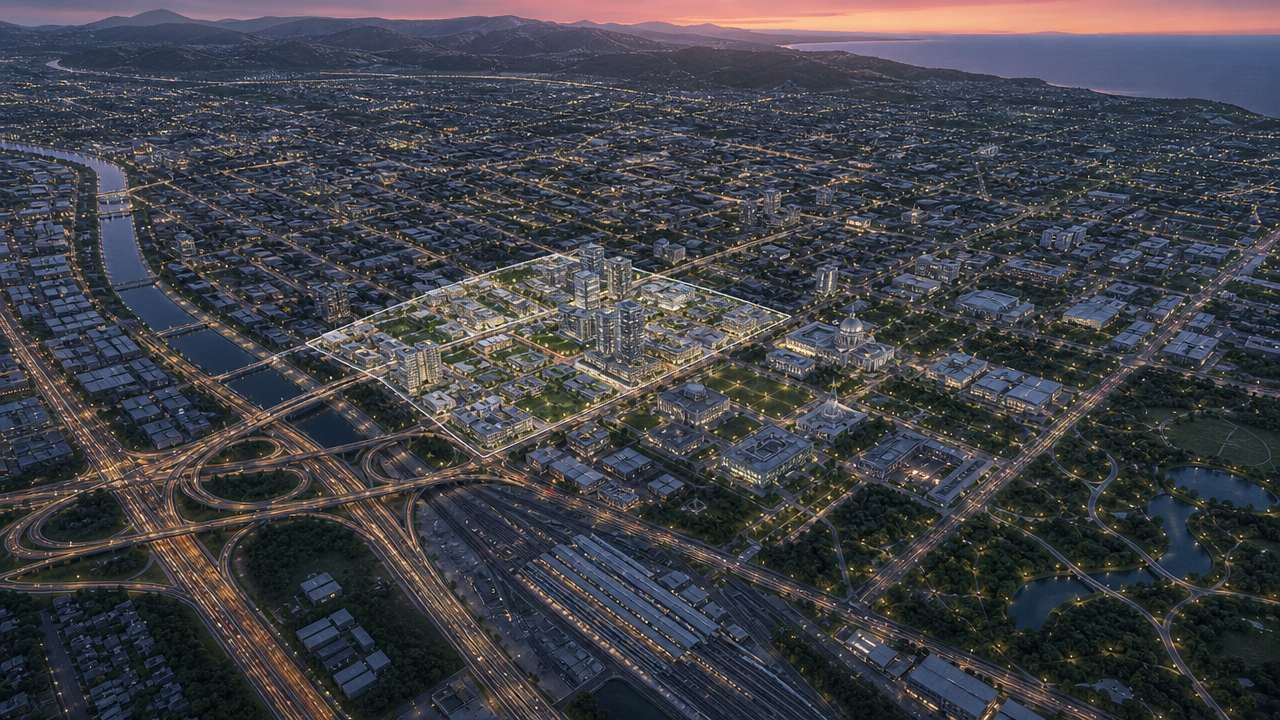
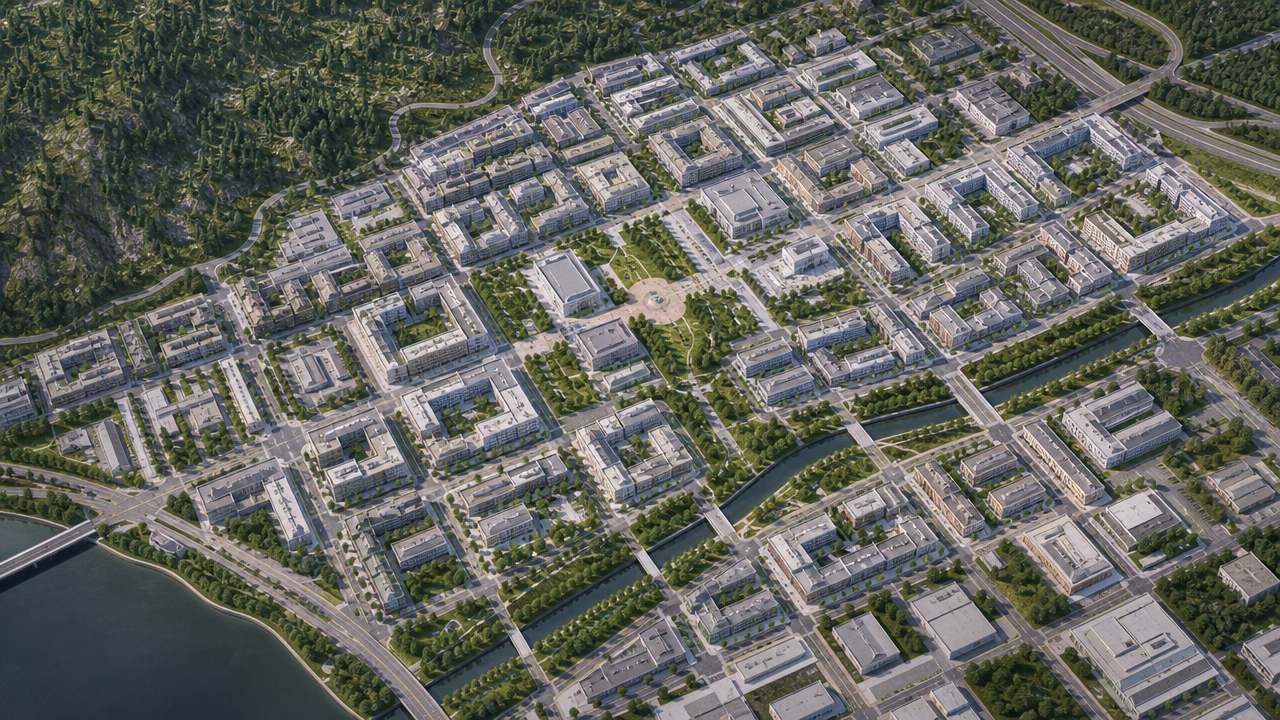
In this tutorial, I treat GPT-6 Astra as a next-generation multimodal agent described by the premise: it can interpret 3D design intent, generate modeling scripts, call professional software and AI generators, and revise the result over several loops. Shapezo is a focused map-to-model tool: I select an area on a map, and its AI generates an initial 3D context model.
The goal is not to automate final delivery. The goal is to create a workflow that is quick to inspect and honest about uncertainty.
Step 1: Write the design question
I start with one narrow question. Examples include: “How should this building step with the slope?” or “Can the public route remain visible from the transit street?” A question about object geometry points toward Astra. A question about geographic relationships points toward Shapezo. If I have both, I keep two linked tasks.
I also define the expected output: a massing script, a contextual scene, a neutral render, or a comparison view. This prevents the agent from generating detail that the decision does not need.
Step 2: Prepare the Astra brief
I give Astra the reference material it needs: sketches, photos, plans, a rough model, known dimensions, and written constraints. I ask it to summarize the intent before writing code. The summary should name the footprint, height logic, openings, circulation, materials, and any assumptions inferred from the images.
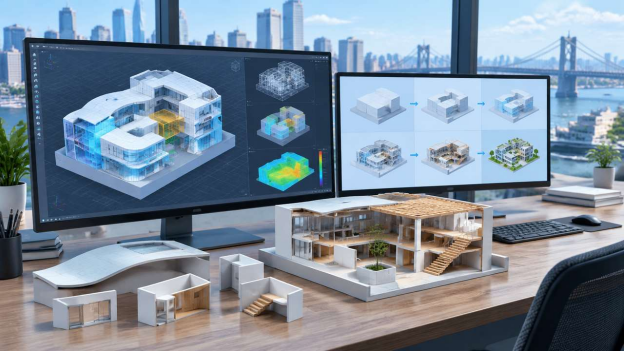
Next, I ask for a small script with named parameters. Useful parameters might include footprint width, floor height, roof pitch, window spacing, and courtyard ratio. I require the script to save a versioned scene and to report warnings when an input is missing.
Step 3: Run in an isolated modeling scene
I run the generated script in a temporary Blender or equivalent scene. I check object names, origin, units, polygon density, normals, UVs, and material slots. I change one parameter at a time and confirm that the geometry responds as expected. If a parameter exists but does not affect the intended object, I treat it as broken until fixed.
I keep the original script and the executed scene together. A rendered image alone is not enough to reproduce the result.
Step 4: Create the Shapezo context
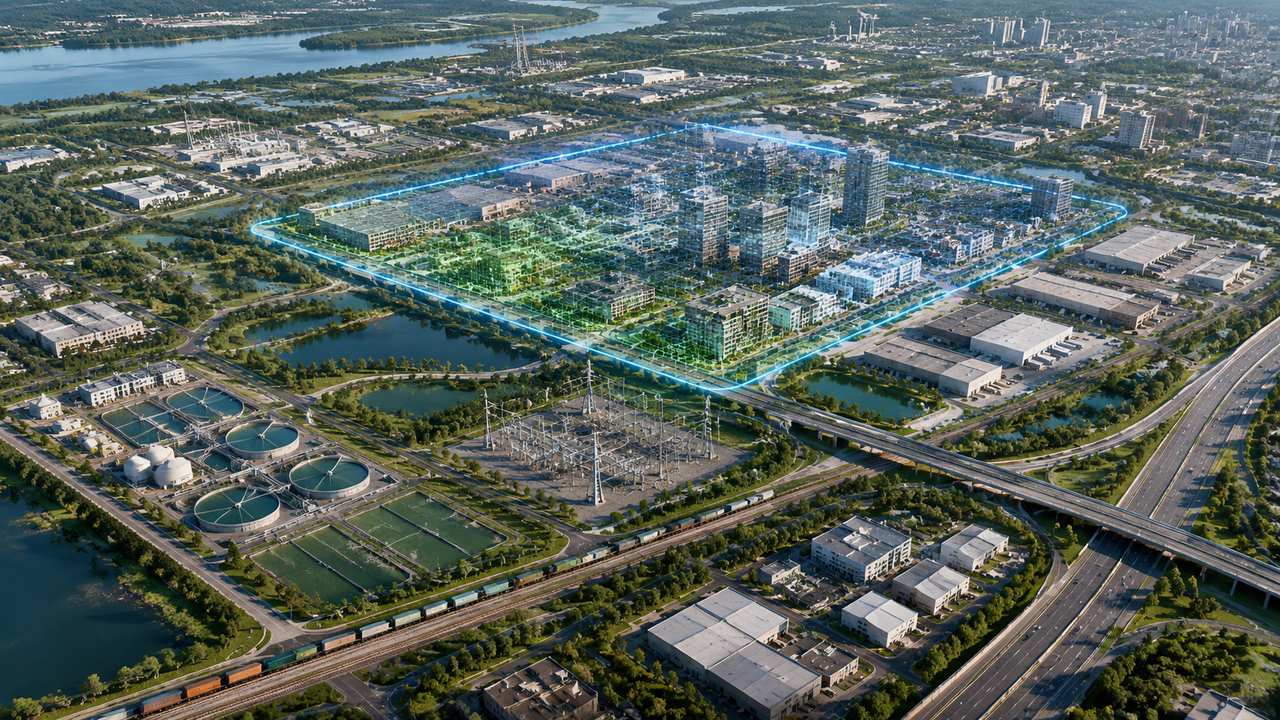
I open Shapezo and draw a boundary around the project parcel plus the surrounding streets and blocks that influence it. I generate the initial AI model and save the boundary, map date, orientation, and three views: aerial, oblique, and eye-level.
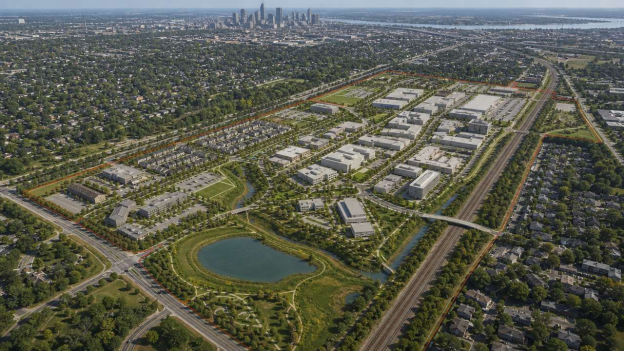
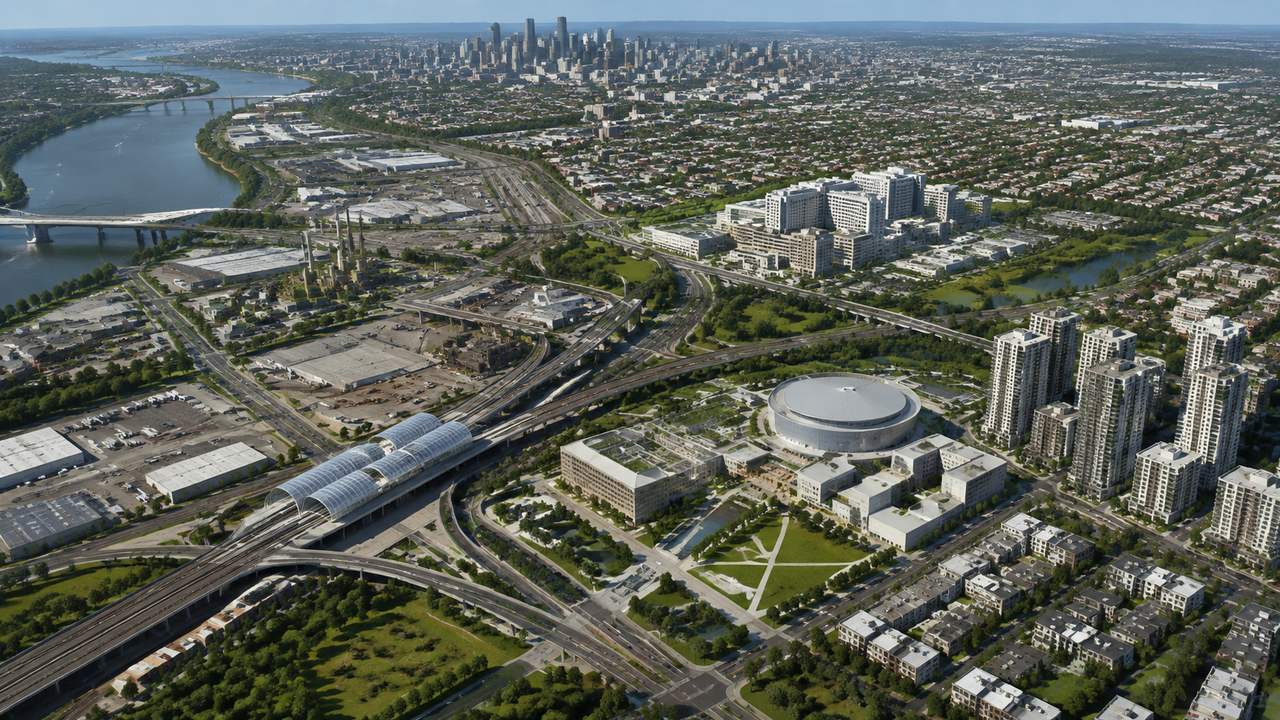
I validate the obvious context: road continuity, relative building heights, open-space connections, major terrain changes, and visible barriers such as rail or water. I create an assumptions list for simplified roads, estimated heights, missing utilities, vegetation, and uncertain property edges.
Step 5: Align and combine
I export a simplified Astra asset and place it into the Shapezo context, or recreate the Astra massing as a neutral block. Before comparing options, I align units, origin, ground level, and north direction. I save the aligned copy separately from the source scene so the transform remains traceable.
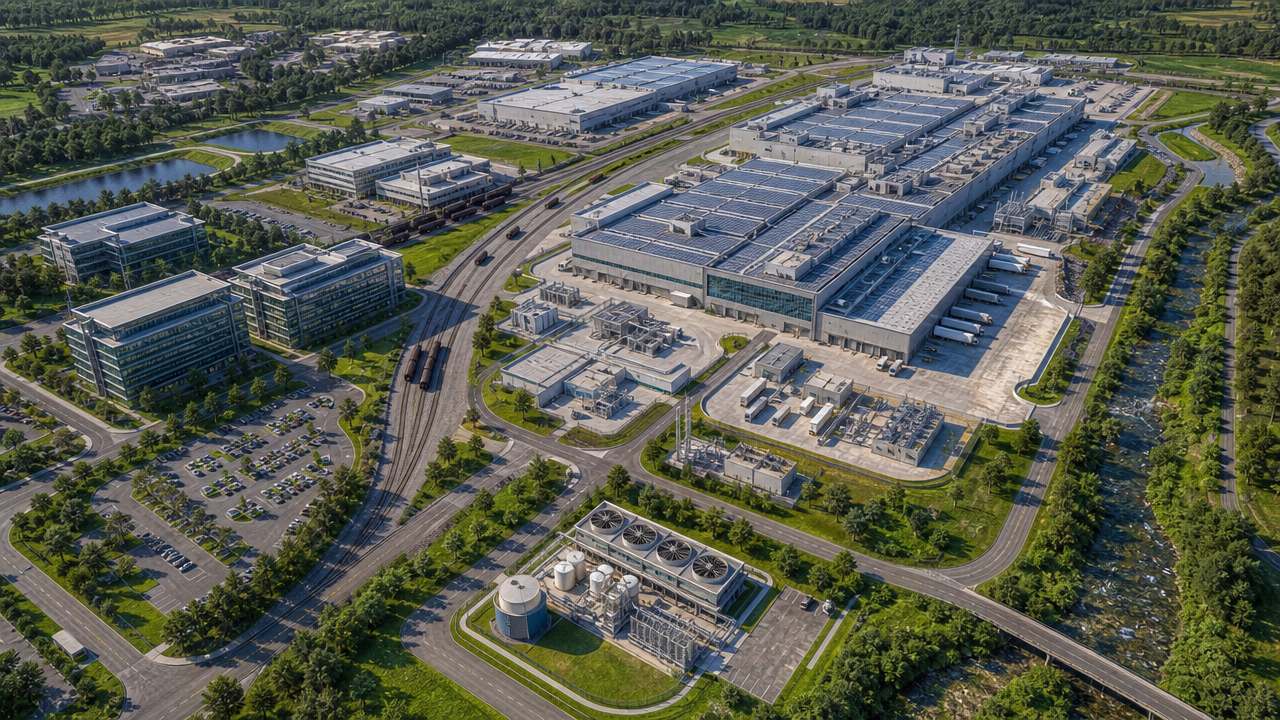
I use fixed cameras for every option. From those views I inspect frontage, apparent height, pedestrian approach, service access, shadows, and the relationship to parks, water, or transit. I do not let a new camera hide a weak edge condition.
Step 6: Add provenance and review gates
I label each major element as observed, imported, generated, estimated, manually edited, or rebuilt. I store the prompt, script version, map boundary, source dates, scale corrections, and manual changes. GPT-6 Astra may summarize the state, but I still verify the summary against the files.
Before moving forward, I ask three questions. Can another person reproduce the scene? Can I identify which geometry is approximate? Can I explain what decision the view supports? If any answer is no, I improve the record or rebuild the relevant object.
I also check that the document title, file names, and revision date agree. Small metadata errors can make a correct model look like the wrong version when it is passed between tools or reviewed by a different team.
Step 7: Move selected work into production tools
When the concept survives review, I rebuild geometry that carries real consequences in Blender, Revit, Civil 3D, or the project-standard environment. The Astra script and Shapezo scene remain references for intent and context. They do not become automatic proof of structural accuracy, topology quality, engineering compliance, or final acceptance.
Final rule
Use Astra for multimodal direction, scripting, and cross-tool iteration. Use Shapezo for a fast geographic frame. Keep state, provenance, and human review between every major step. That is how I would gain the speed of an agentic workflow without confusing a plausible 3D draft with a finished design model.